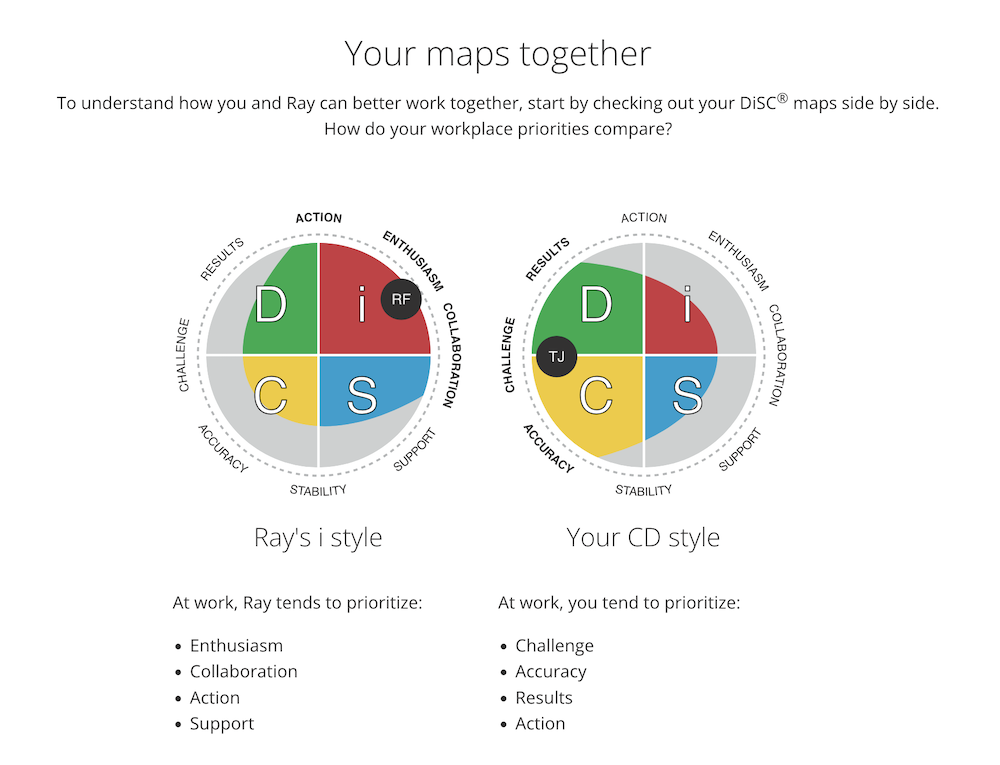


Comparing learners on Catalyst
For practitioners
With the Catalyst Practitioner Experience, you can see what any two learners see when they compare styles.
Instructions
- Log in to Catalyst.
- Click Admin view (top right).
- Select the Organization you will be working in today.
.jpg)
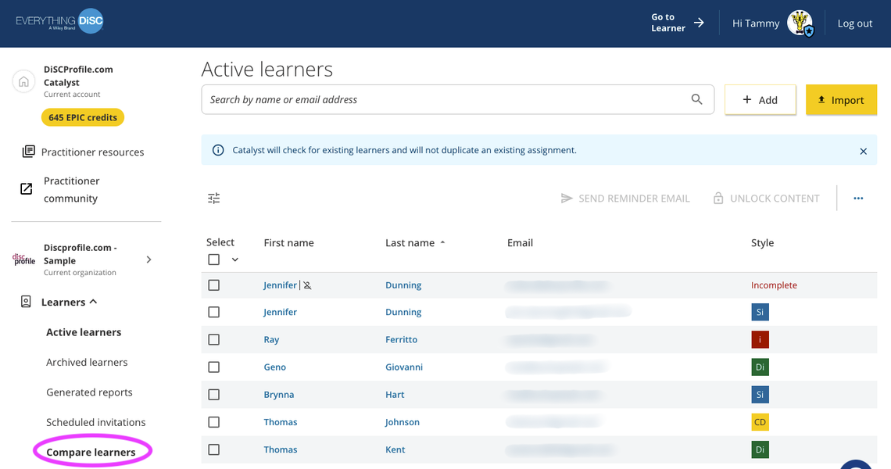
- This will take you to the Active learners page. Expand the Learners menu on the left and select Compare learners.
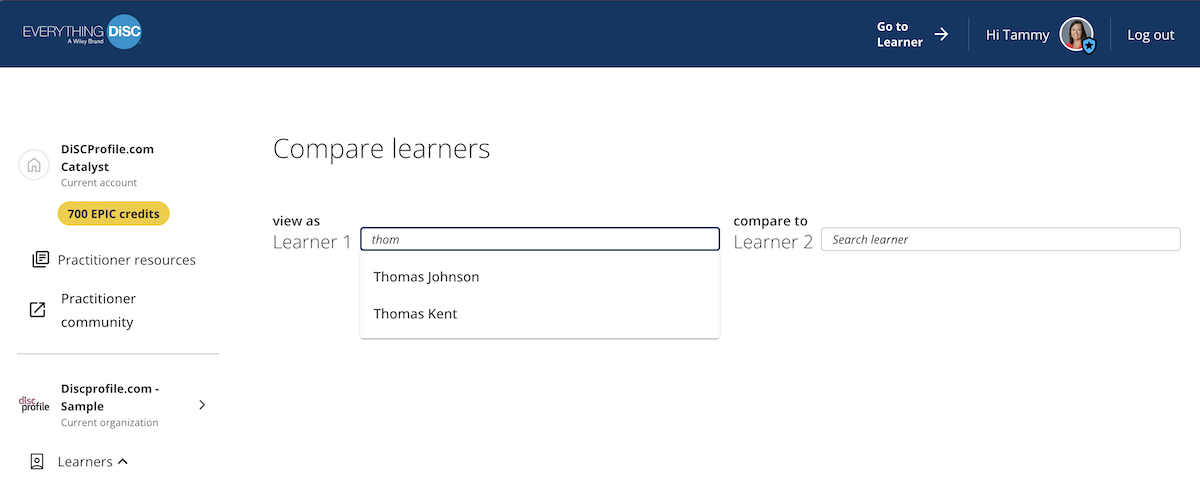
- Type in the two learners. Names will auto-suggest as you type.
- You'll see the learners' comparison report, viewed as Learner 1 compared to Learner 2. You'll see their maps together, similarities and differences, where the two learners fall on behavioral continua, and tips for how they can work better together.