


Downloading a PDF version of your profile from Catalyst
Instructions
- Log in to Catalyst.
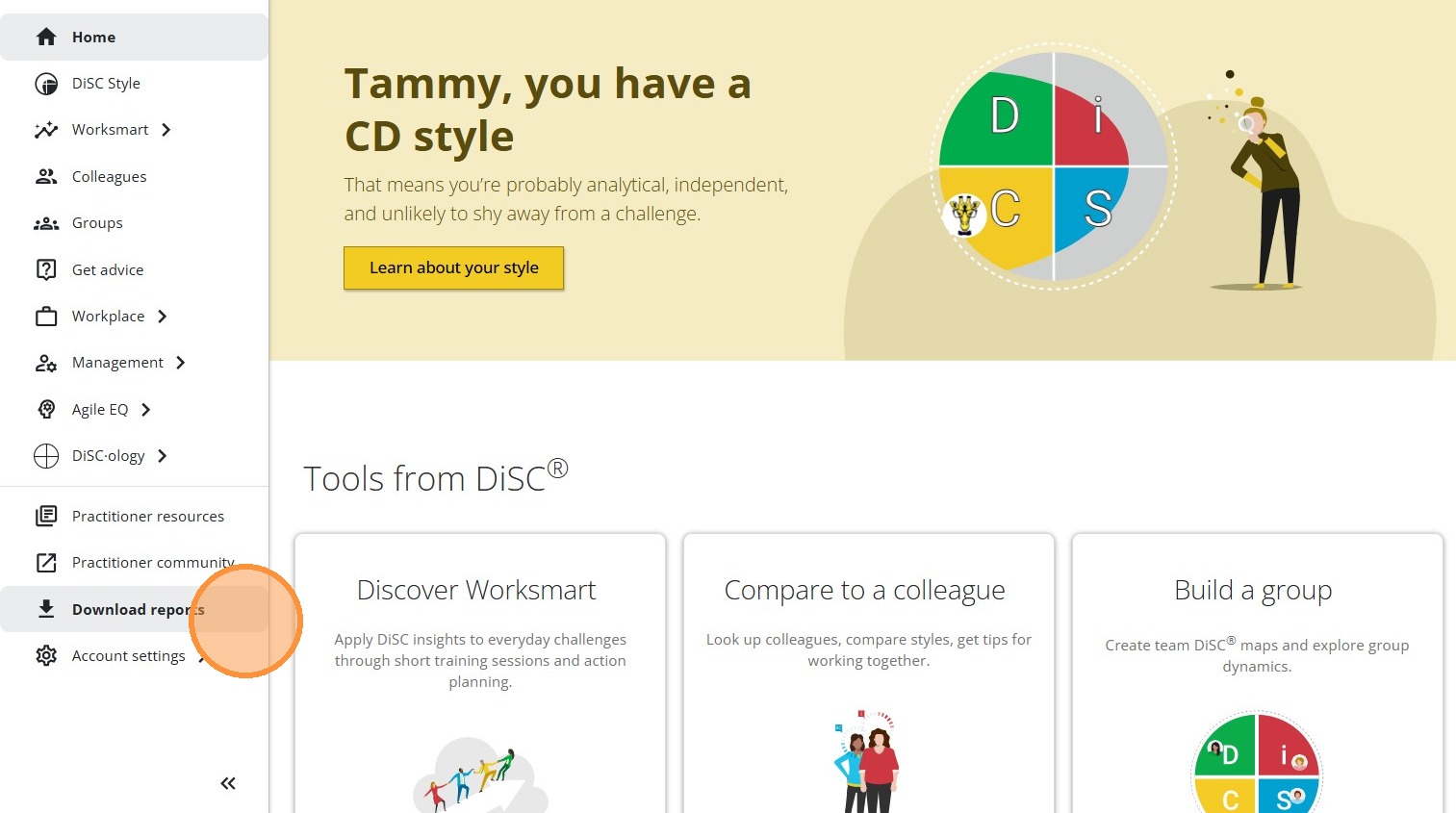
- Click Download reports in the menu on the left.
- Select all the reports you would like to download. Note: You will not see all three profile options shown in the image below if you haven't been given access to them yet. You can reach out to your administrator to request access to additional profile types!
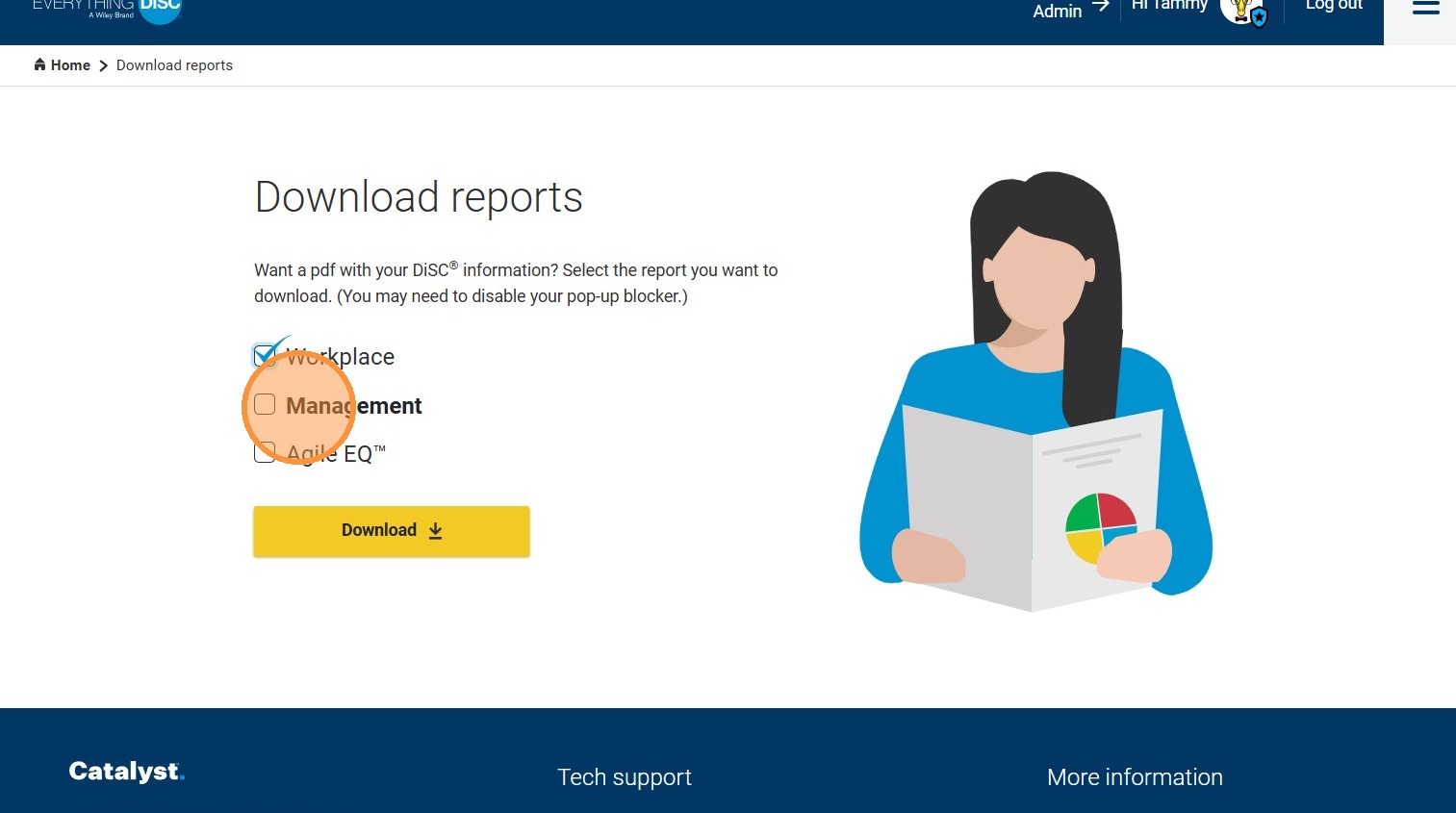
- Click Download.
- Click Open PDF.
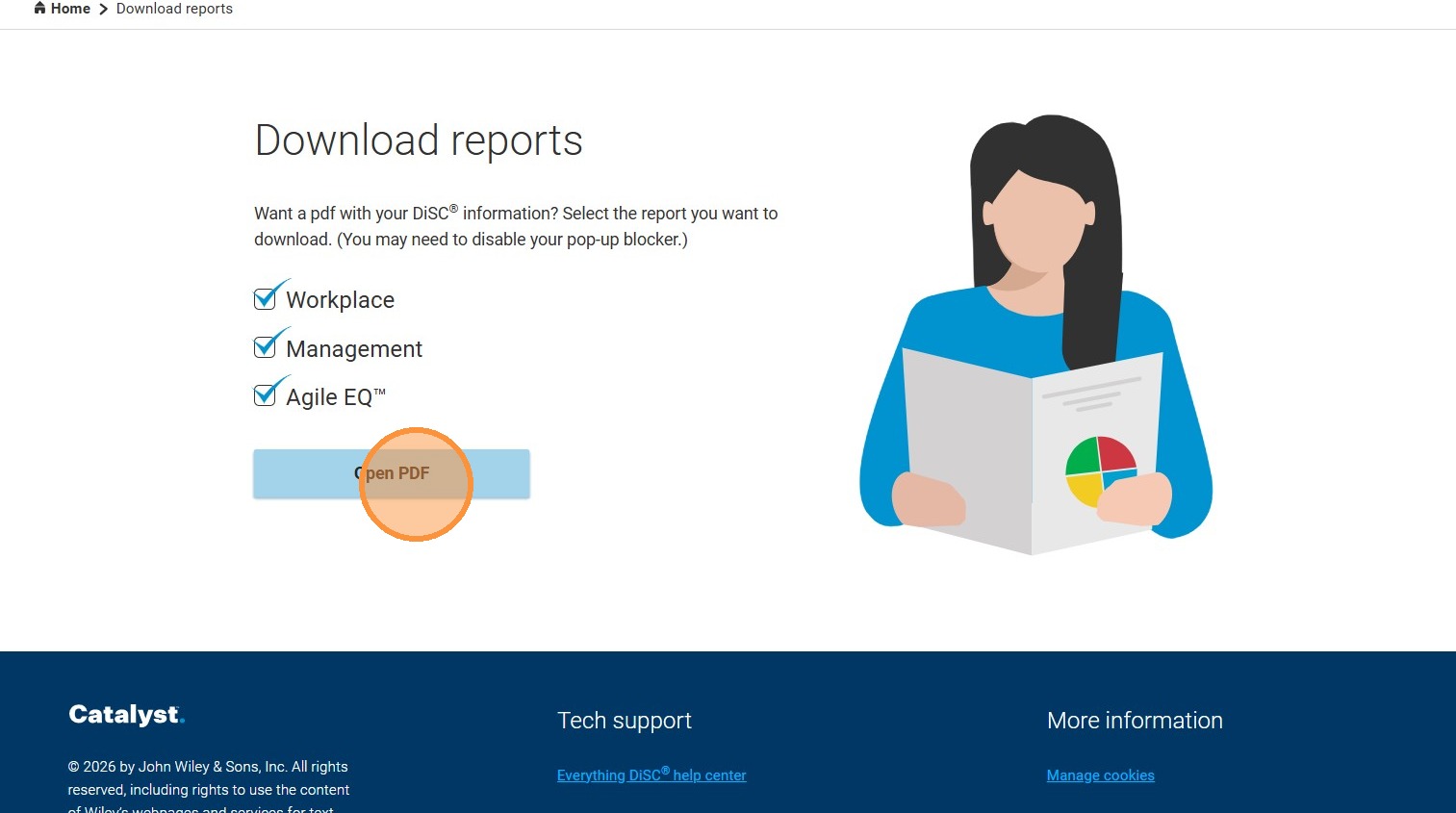
- Your PDF will open in a new window. You can save it to your computer from that screen.