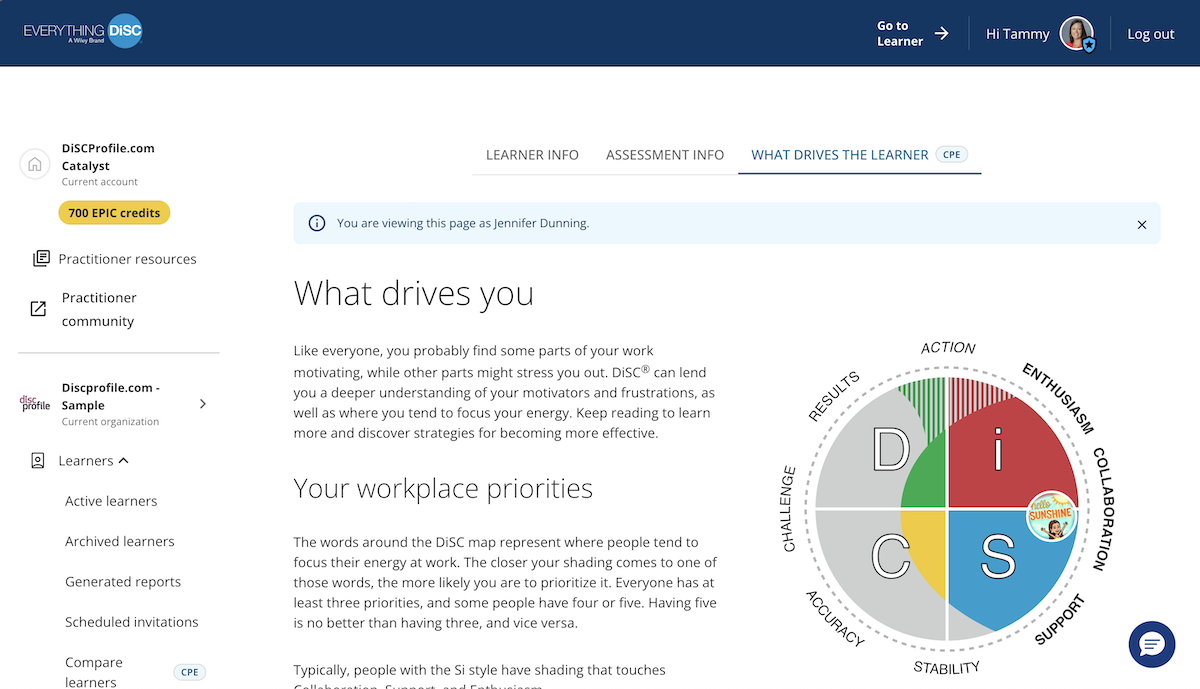


Reviewing learners and what drives them
For practitioners
With the Catalyst Practitioner Experience, you can see the “What drives you” section from any learner’s perspective.
Instructions
- Log in to Catalyst.
- Click Admin view (top right).
- Select the Organization you will be working in today.
.jpg)
- This will take you to the Active learners page. Click on a learner's name.
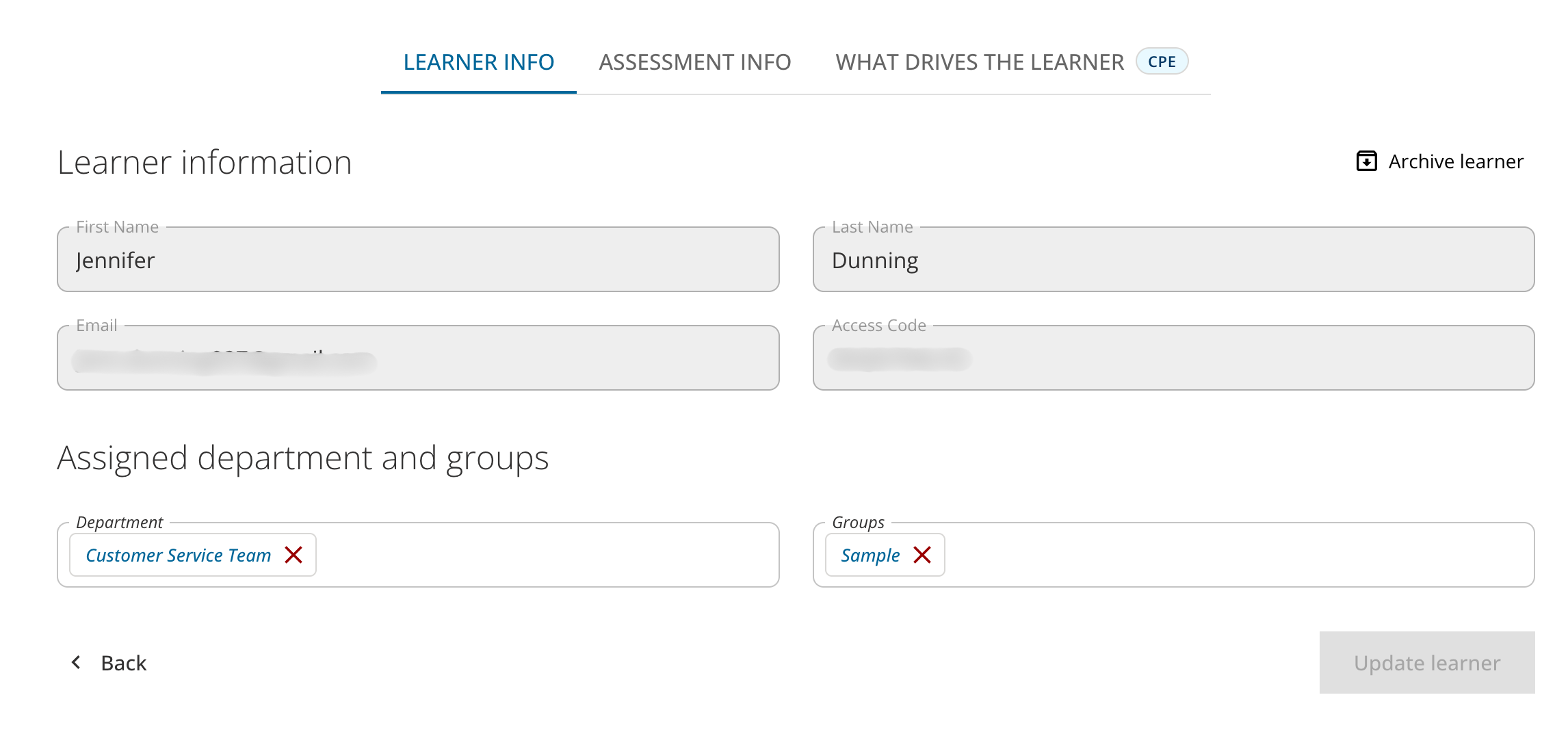
- Learner info: You'll see the learner's name, email, and access code. From this screen, you can archive the learner or change what departments and groups they are assigned to.
- Assessment info: At the top of the page, select Assessment info. This shows what content has been unlocked for them, on what date. You can unlock new product content from this screen. You can also download the learner's profile report.
- What drives the learner: This shows you the “What drives you” content from the learner's point of view.