

Running facilitator and group culture reports
Using the Catalyst Practitioner Experience
The Catalyst Practitioner Experience allows you to run unlimited free facilitator reports and group culture reports. See how to activate the Catalyst Practitioner Experience.
If you don’t have the Catalyst Practitioner Experience, you can create facilitator and group reports in EPIC, using EPIC credits.
The facilitator report is a detailed, 17-page report describing the style makeup and culture of the group, summarizing data, and offering issues to consider. This report has learner names on it and can help the facilitator prepare for a session.
See a sample facilitator report (PDF, 305 KB)
The group culture report (13 pages) gives information about the style distribution within the group and how that may influence culture. It does not show learner names, and is often shared with the group and used in discussions.
See a sample group culture report (PDF, 250 KB)
Instructions
- Log in to Catalyst.
- Click Admin view (top right).
- Select the Organization you will be working in today.
.jpg)
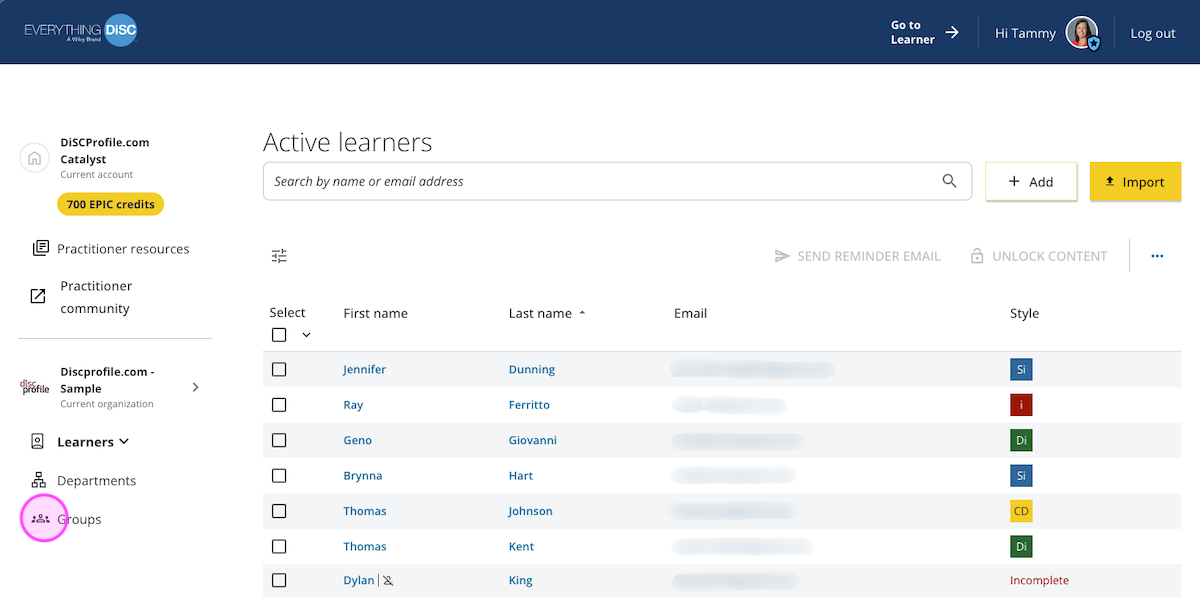
- This will take you to the Active learners page. Select Groups from the menu on the left.
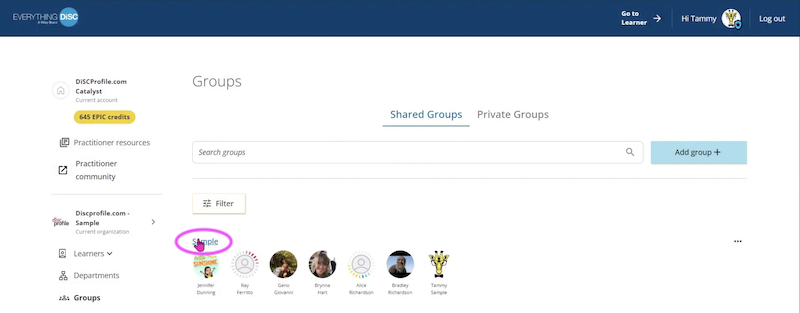
- Select the group you want.
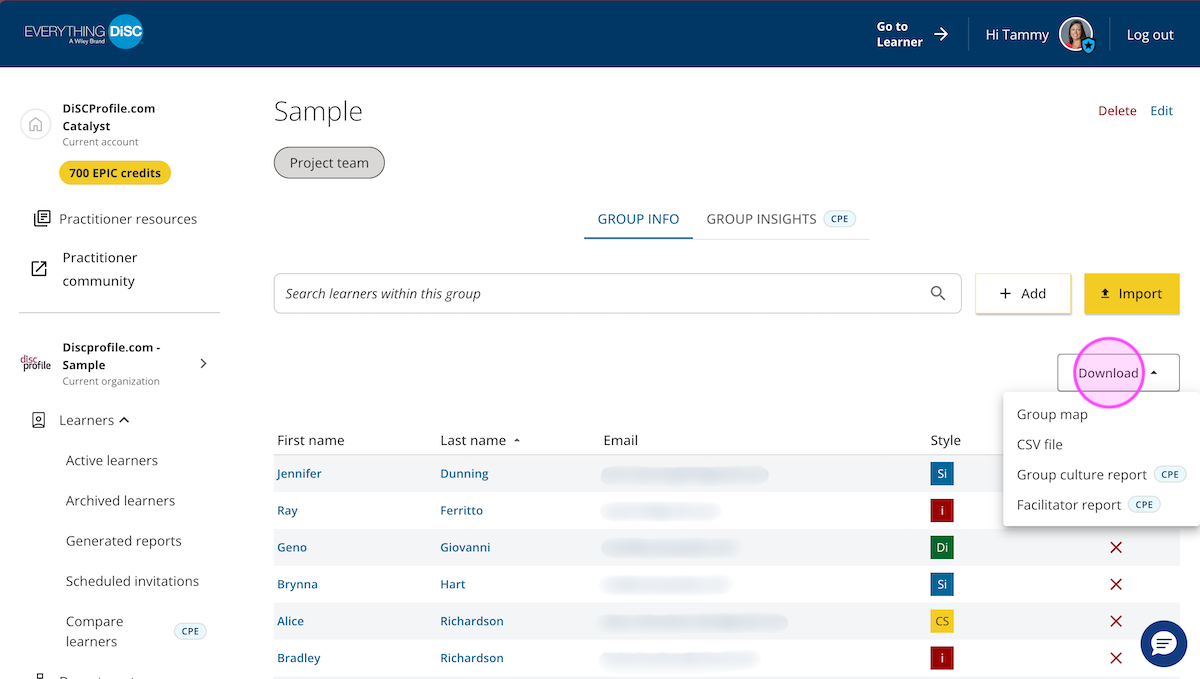
- Select Download at the right. From that menu, you can download a group map image, a CSV file of learners, a group culture report, and a facilitator report.